Tutorial: Use Neo with PawfectNotes AI Scribe
PawfectNotes is a veterinary AI scribe that works alongside your system as a browser extension. You record the appointment in PawfectNotes, review the note, then export it into your patient's record.
👤 Step 1: Get An Account

⬇️ Step 2: Download Browser Extension


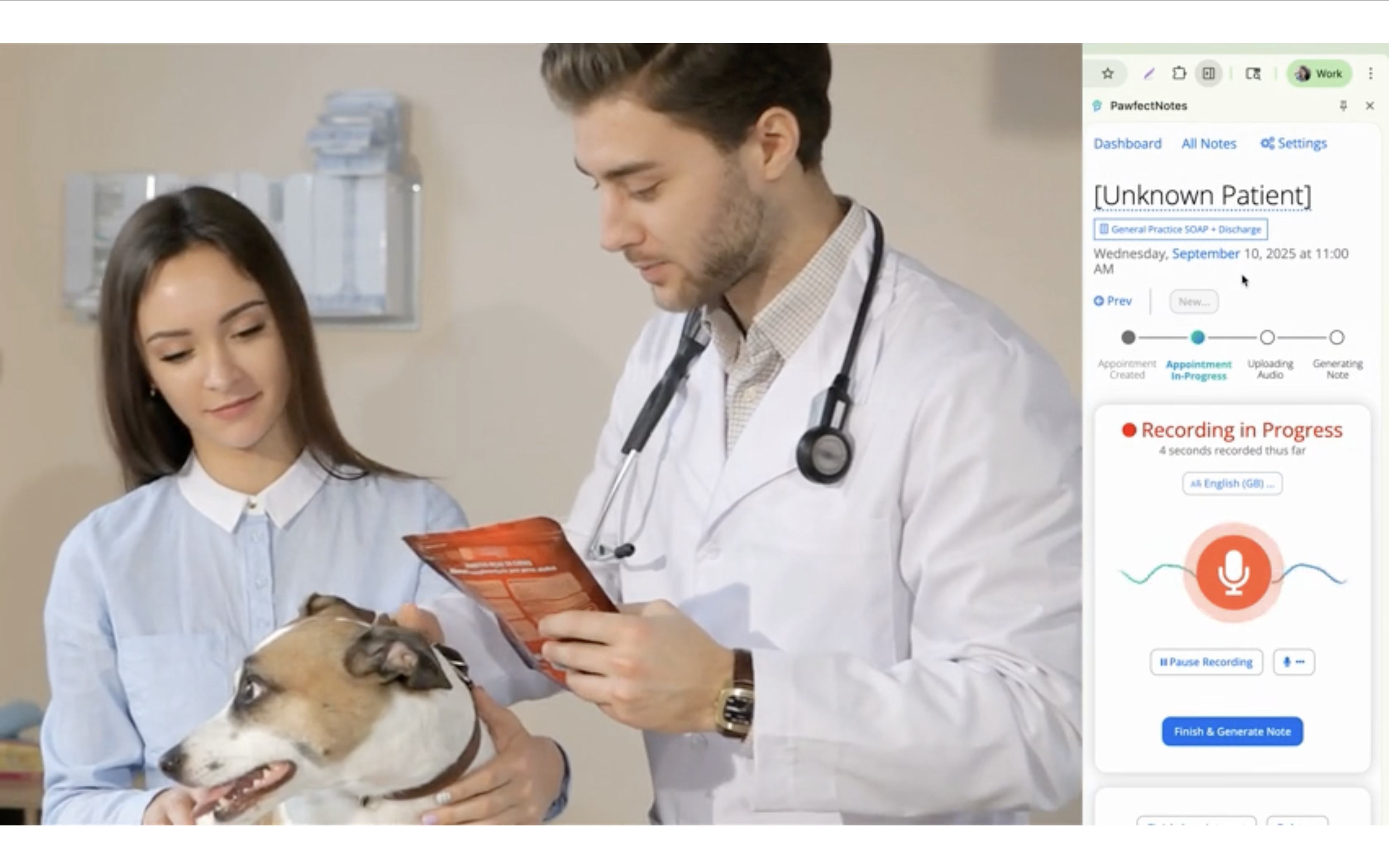
🎙️ Step 3: Record Appointment
- 1Open Neo in your browser > then go to a patient's record
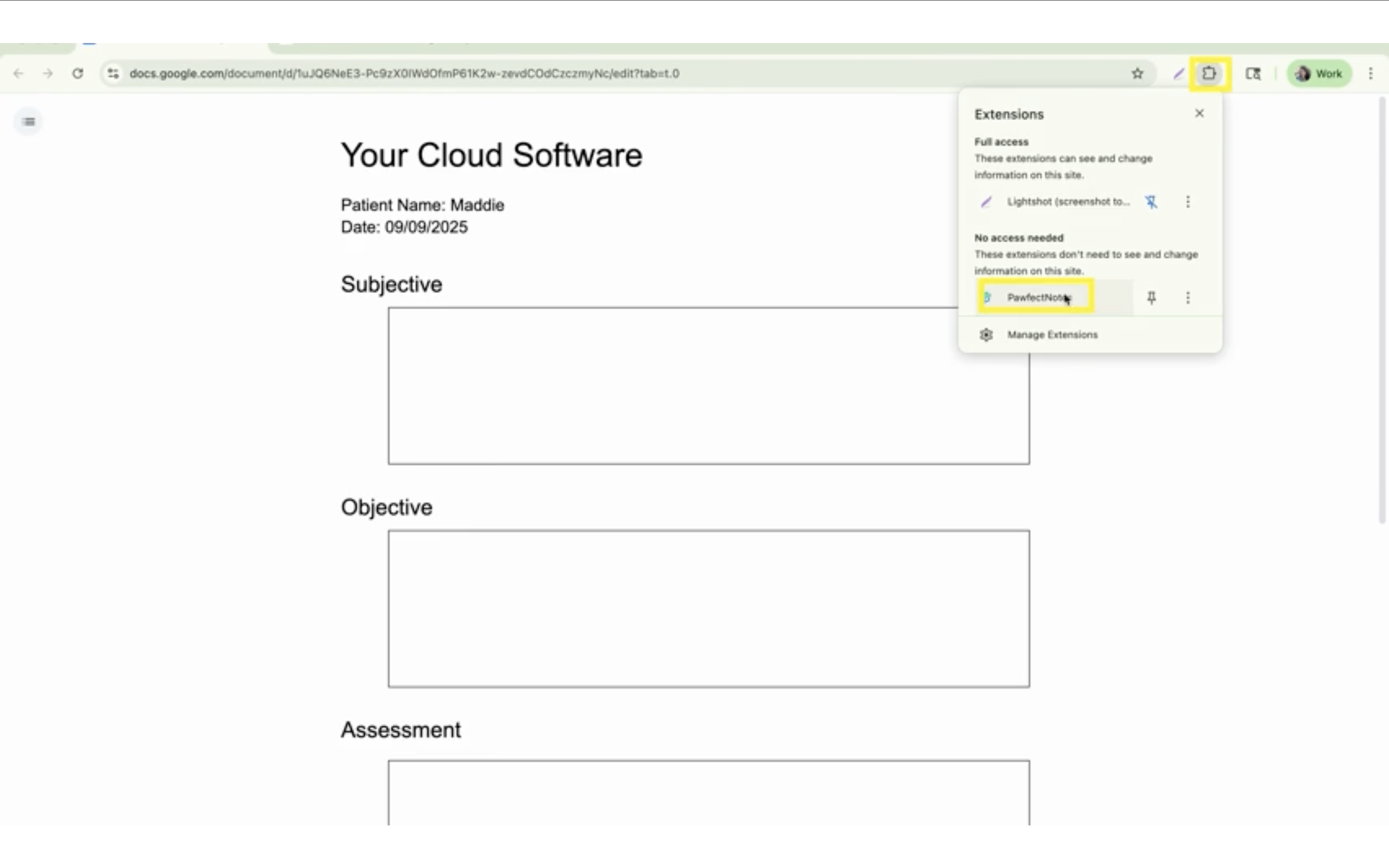
- 2Open up the
browser extension next to your patient's record

- 3Record an appointment
🔄 Step 4: Export Note
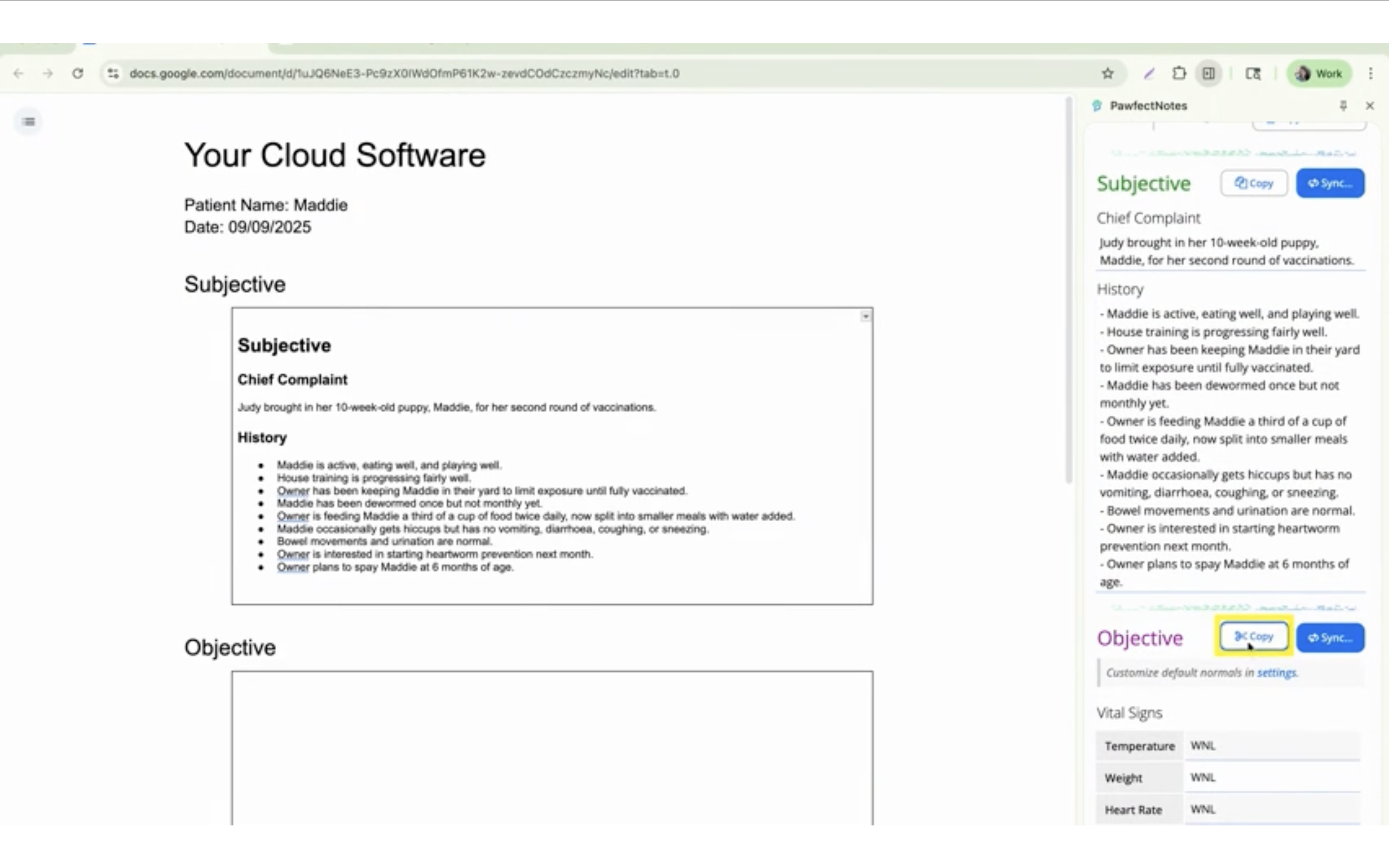
- Click on the Copy button, then paste the note into
Neo.
🚀 Ready to start using AI?
Disclaimer: PawfectNotes is an independent veterinary AI scribe and is not affiliated with, endorsed by, or partnered with Neo or its parent company. Tutorial videos are independent PawfectNotes recordings, shown to demonstrate compatibility.